
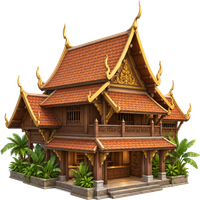
 Thailand
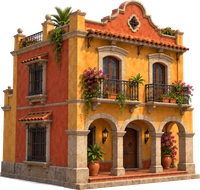 Mexico
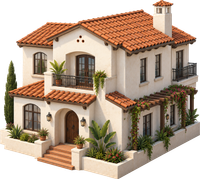 California
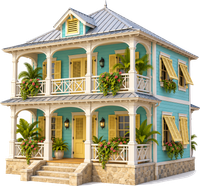 Caribbean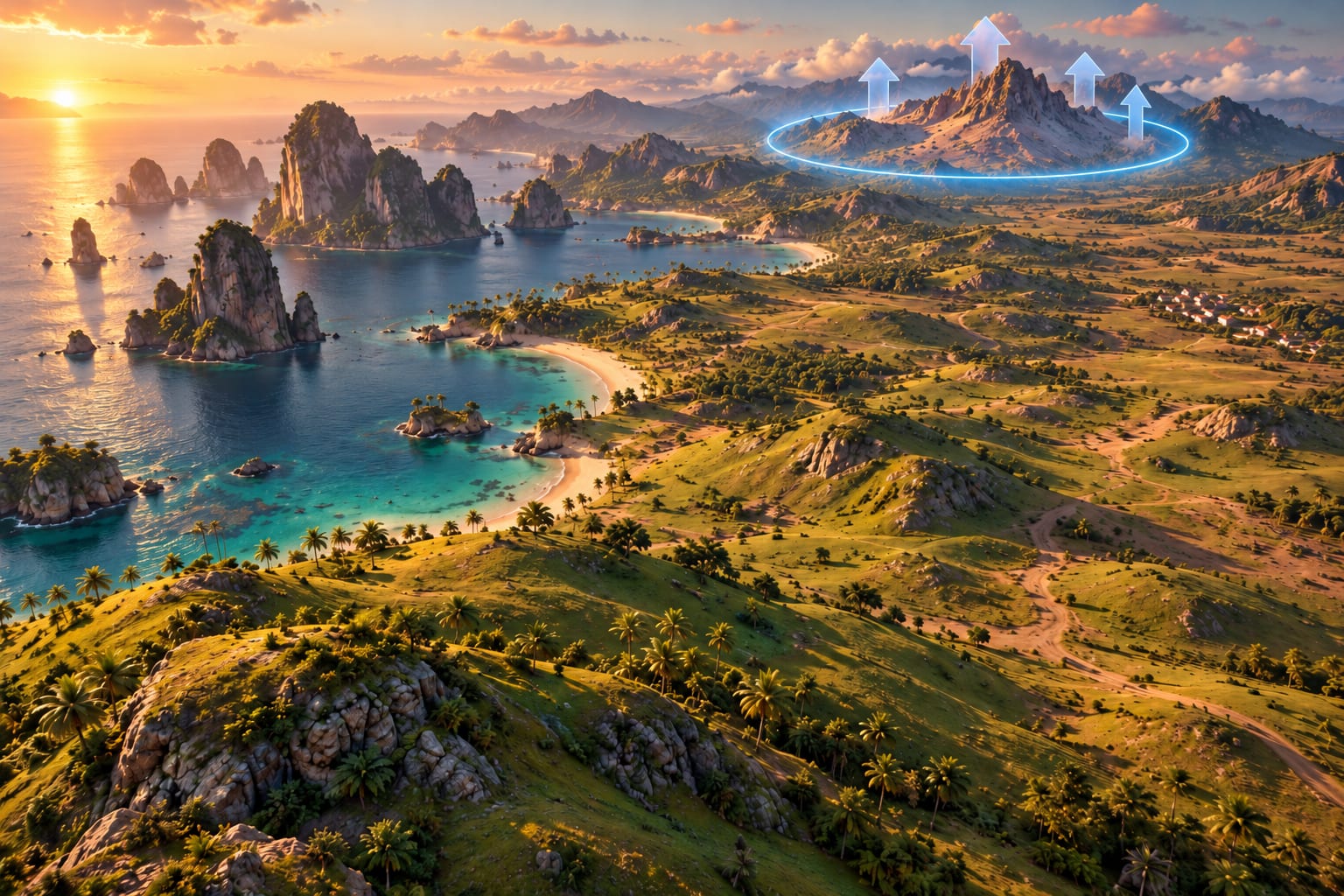
Shape the ground first.
Sculpt the terrain and paint the ground. Put sea, hills or mountains around the city.

A city builder
No budgets, no traffic jams, no rules. Only the art of making a place look real.
SyncedSign in and your things follow you.
TogetherJoin shared cities online.
What it is
Diorama City is for people who love the look of city builders, model railways and dioramas, and would rather make a scene than manage an economy.
There is nothing to balance and nothing to win. You place a thing, look at it, and move it until the street looks right.
There is no money to earn or spend in your city.
Turn a road’s traffic up or down for the look you want. Nothing ever clogs it.
Nothing tells you what goes where. If it looks right to you, it is right.
What’s in it
Everything from the shape of the ground to the rust stains on a wall, and a roller coaster you can ride.
1 The land
Sculpt the terrain and paint the ground. Put sea, hills or mountains around the city.
2 Streets and tracks
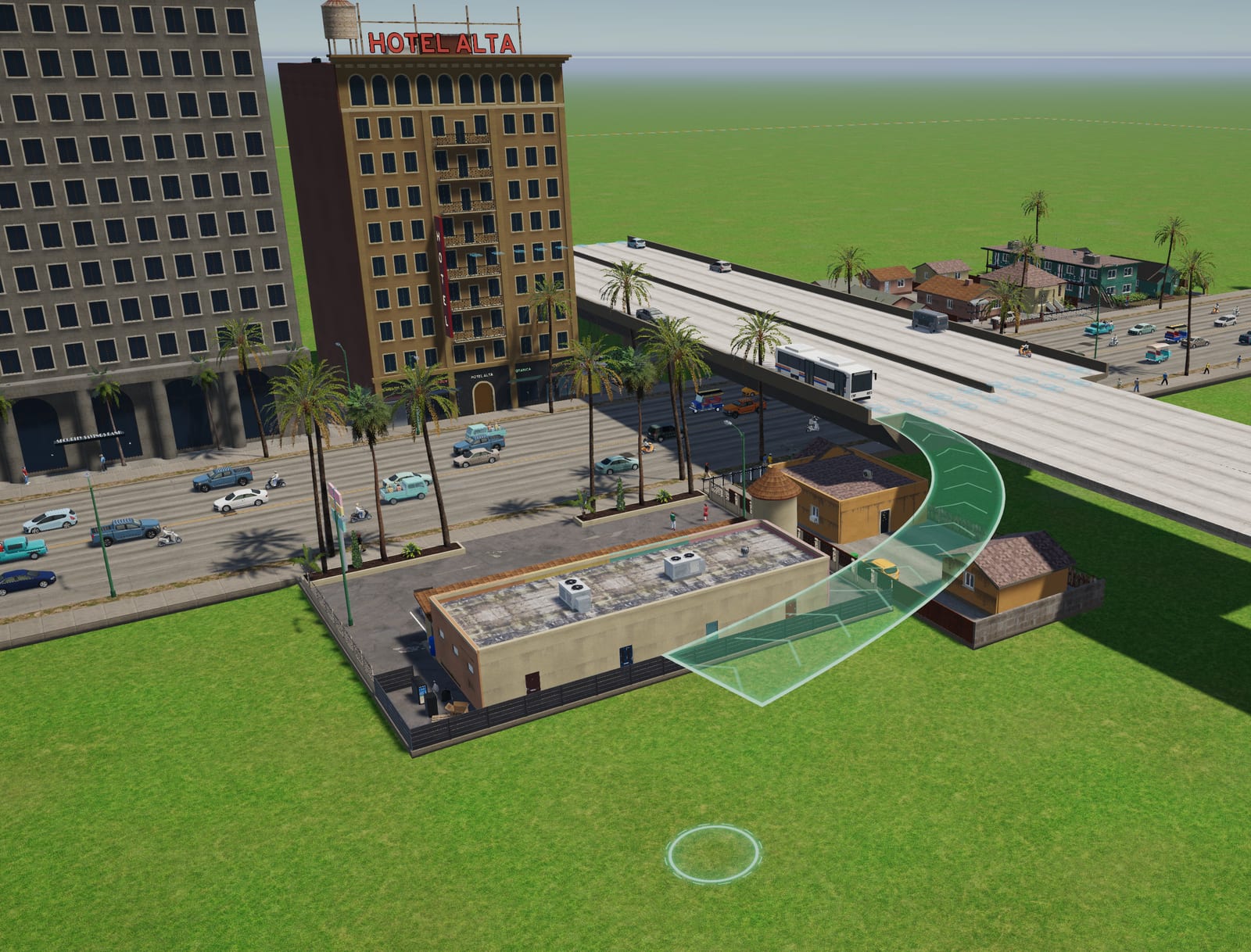
Lay ready-made roads or make your own. Widen them, join them at intersections and roundabouts, give them a worn or cracked skin, and set how busy each one is.
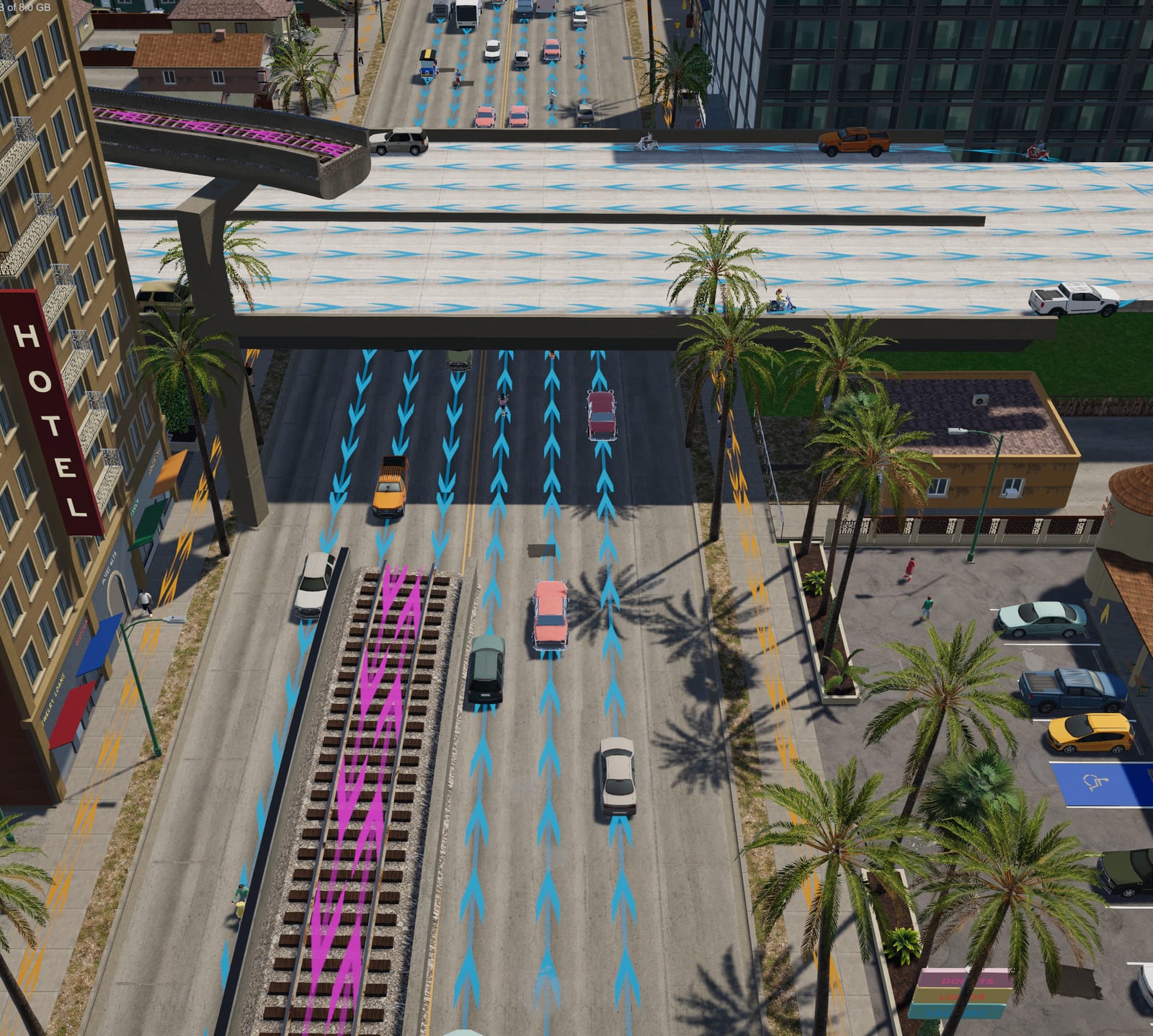
Some road details are drawn as lines, wherever you want them to run.
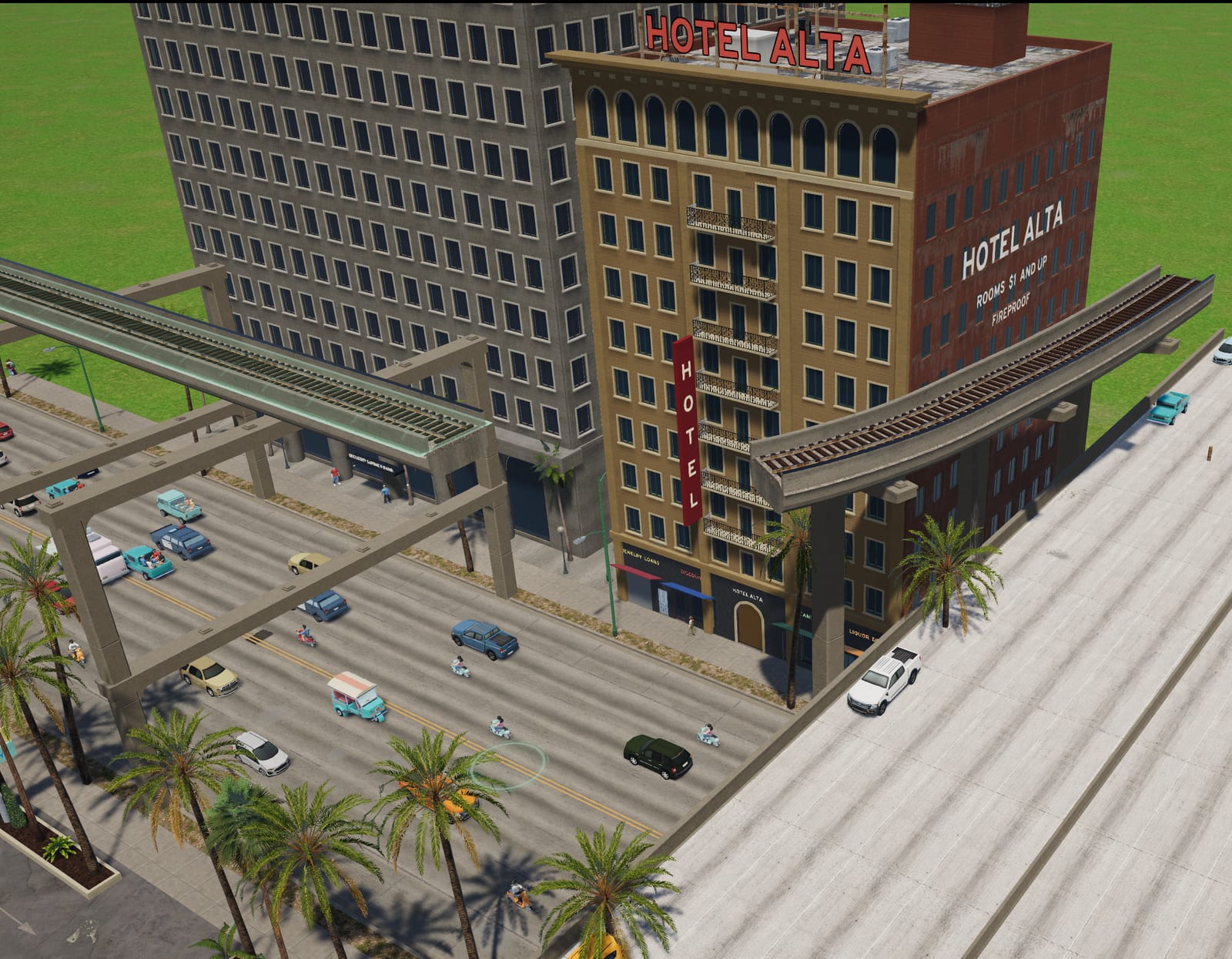
Train tracks, with level crossings that have signals and gates. Monorail tracks at different heights, with a choice of pillars. Light rail with overhead wire.
Lay a coaster one piece of track at a time, as twisty or as tall as you like. Then climb in and ride it.
3 Buildings
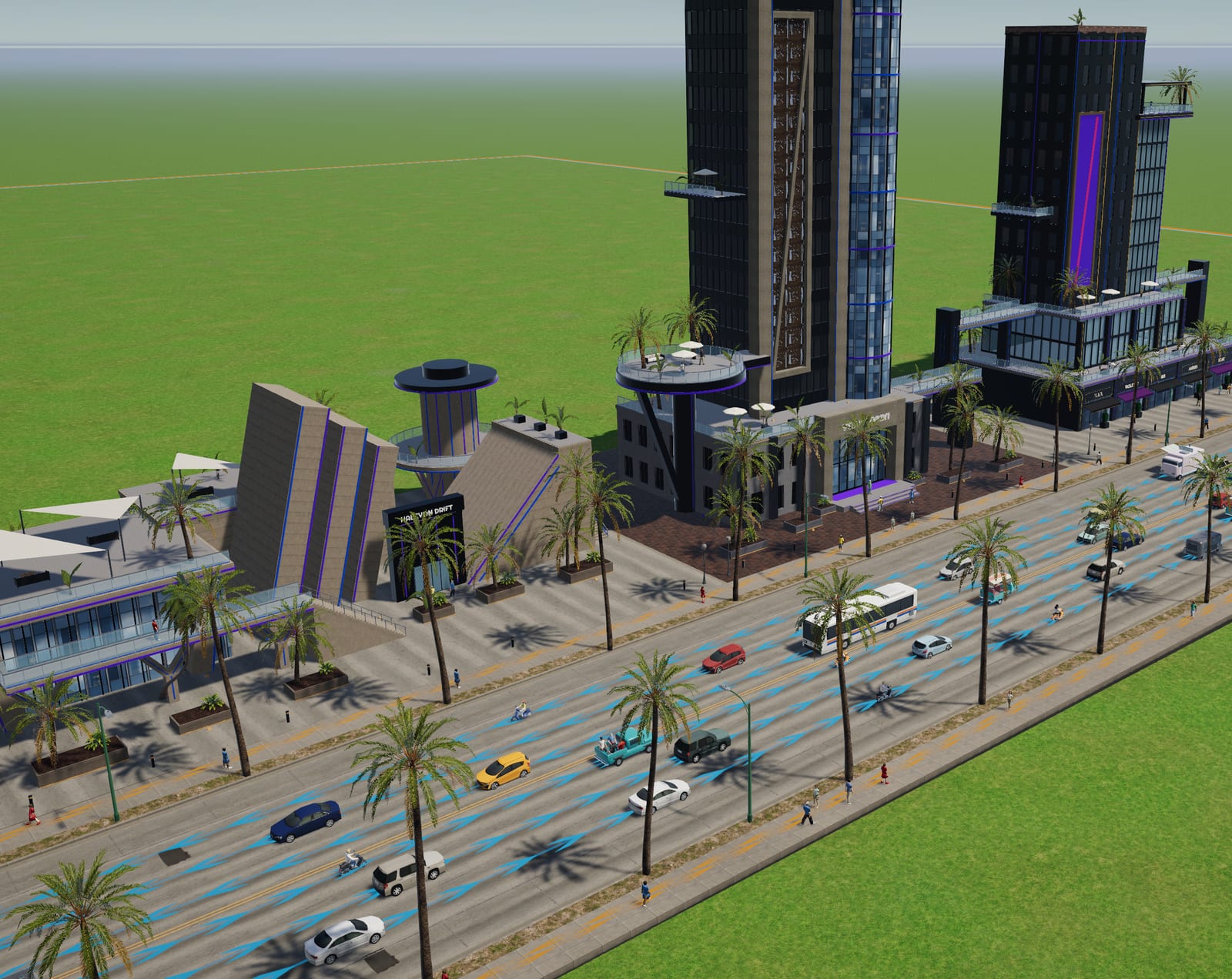
A whole town’s worth, from a single house to a skyscraper, in building styles from around the world.
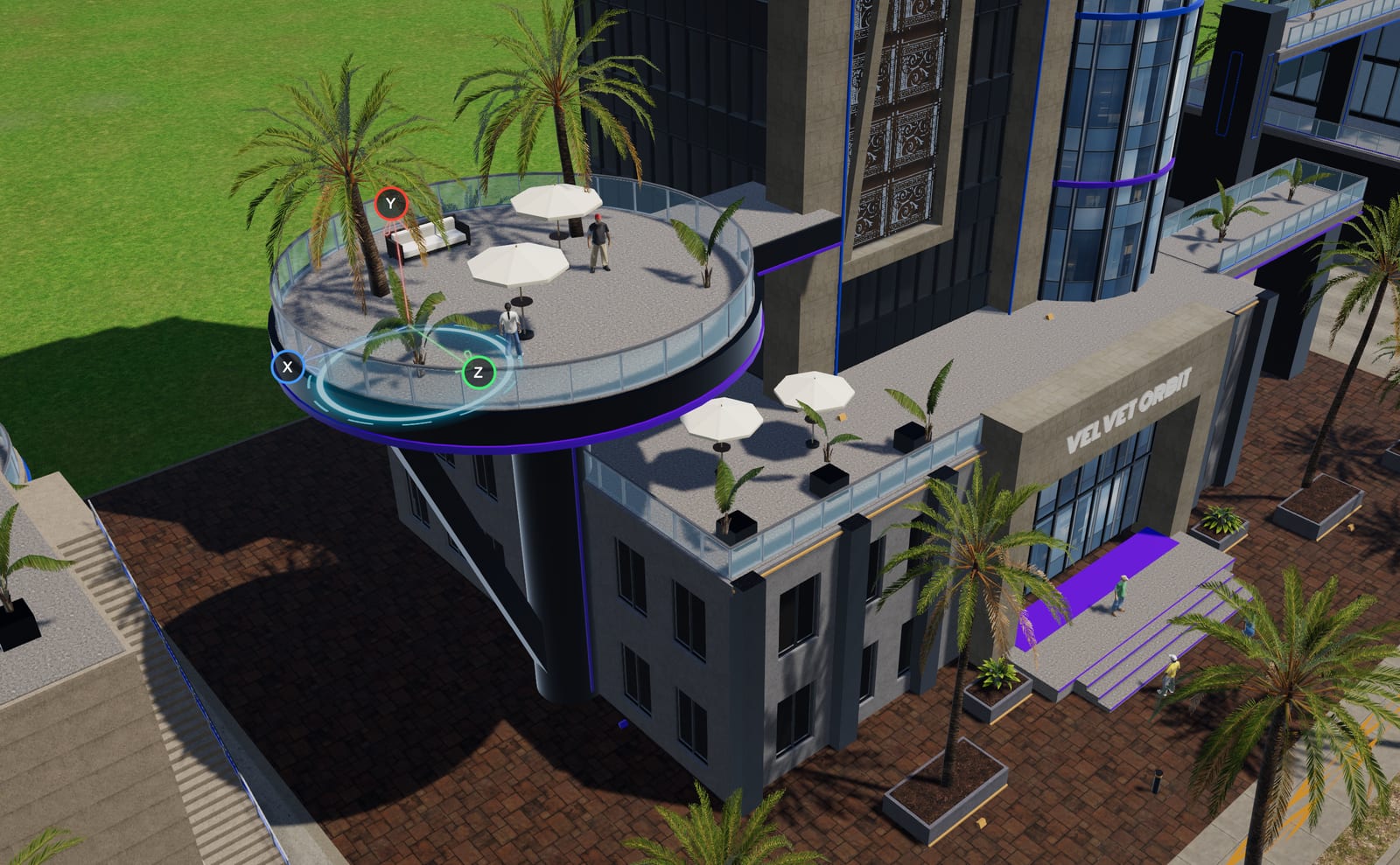
Put a building together piece by piece, and put a sign on it in any of 29 typefaces.
Every ready-made building is made from these same blocks, so you can open up any part of one and change it.
4 The finish
About 180 textures, and you can tint any of them any colour.
Lay coats of peeling paint over a wall, in any colour. Then add the marks that time leaves, as decals.
Hundreds of props, including a fire truck, a police SUV and an ambulance.
5 Atmosphere
Switch to night, and the windows and lamps light up.
Give a building its own sound, like church bells or café chatter.
There is music to build to.
6 Yours, and shared
Import 3D models with the asset editor and build props and decals from them. Keep favourites and folders. Save any group of things as a set and use it again.
Share what you make, and download what other people have shared.
Sign in to sync your things, and join shared cities online.
Download
A direct download from this site, for Mac and Windows. Sign in once it’s installed to sync your things and join shared cities.
Questions
No. There is no economy and no citizens to keep happy, and traffic never jams. You choose how busy each road looks, and place cars, trucks and people for the look of the scene.
Diorama City is a direct download for Mac and Windows, right here on this site. There is no store page for now.
Yes. Every ready-made building is made from the same blocks you build with, so you can open up any part of one and change it.
Yes. The asset editor imports 3D models, and you can build props and decals from them.
Yes. Sign in and you can join shared cities online. Signing in also syncs your things between your devices.
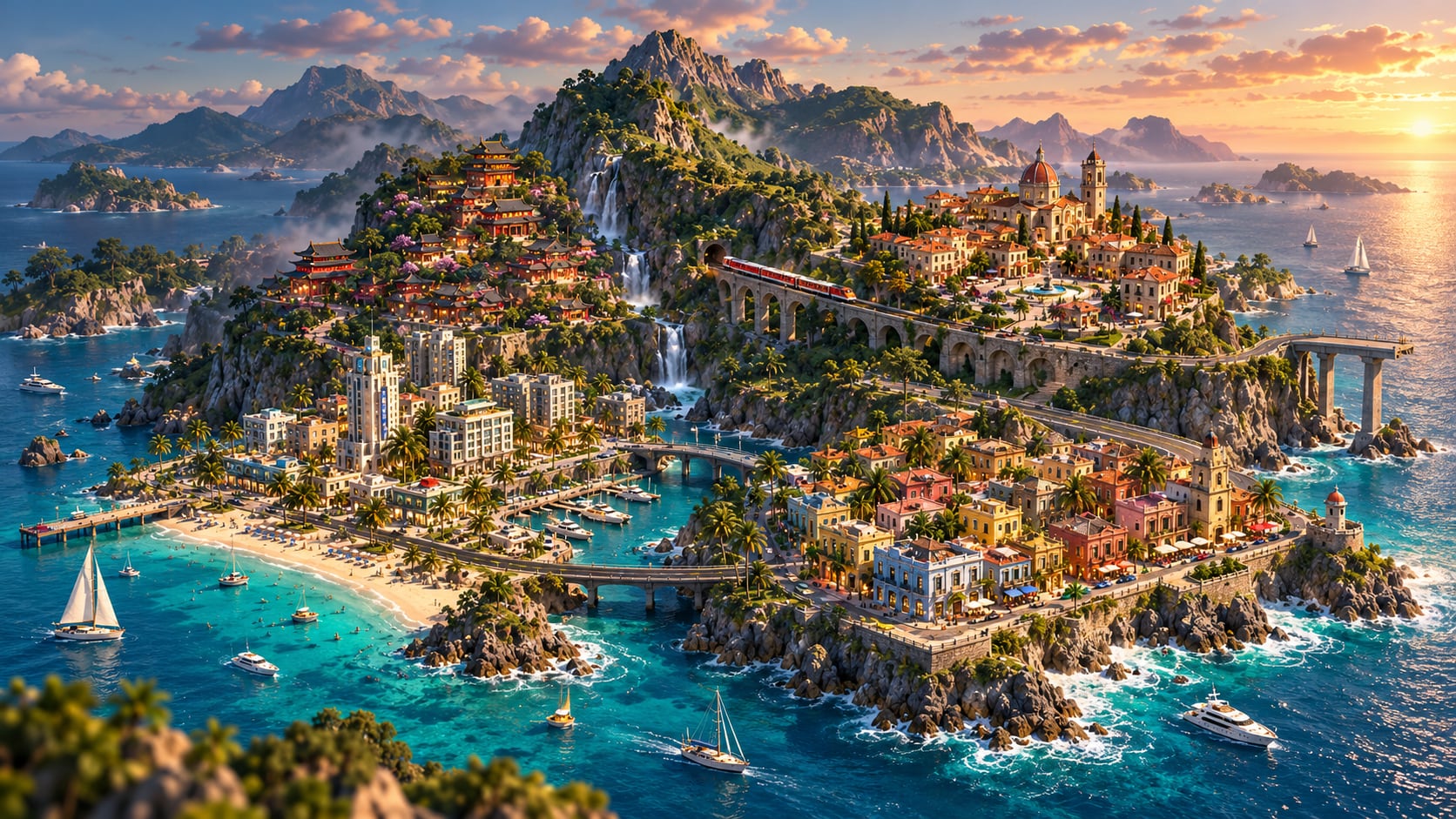
No budgets, no traffic jams, no rules. Just the place you’ve been picturing.